Release Notes v0.94
Release v0.94 brings web components sourced from a Git repository or a bundle upload and scoped to a project or environment, a built-in ci-user service account for automation, linked GitHub, GitLab and Bitbucket accounts that work automatically in Praxis, and parallel releases for every resource type.
✨ What's New
Parallel Releases for Every Resource Type
Parallel releases now apply to every resource type, not just services. A release that touches many independent resources no longer processes them one after another, so large blueprints finish substantially faster. How many releases run at once remains governed by your control plane's parallel release setting.
Web Components from a Git Repository or a Bundle Upload
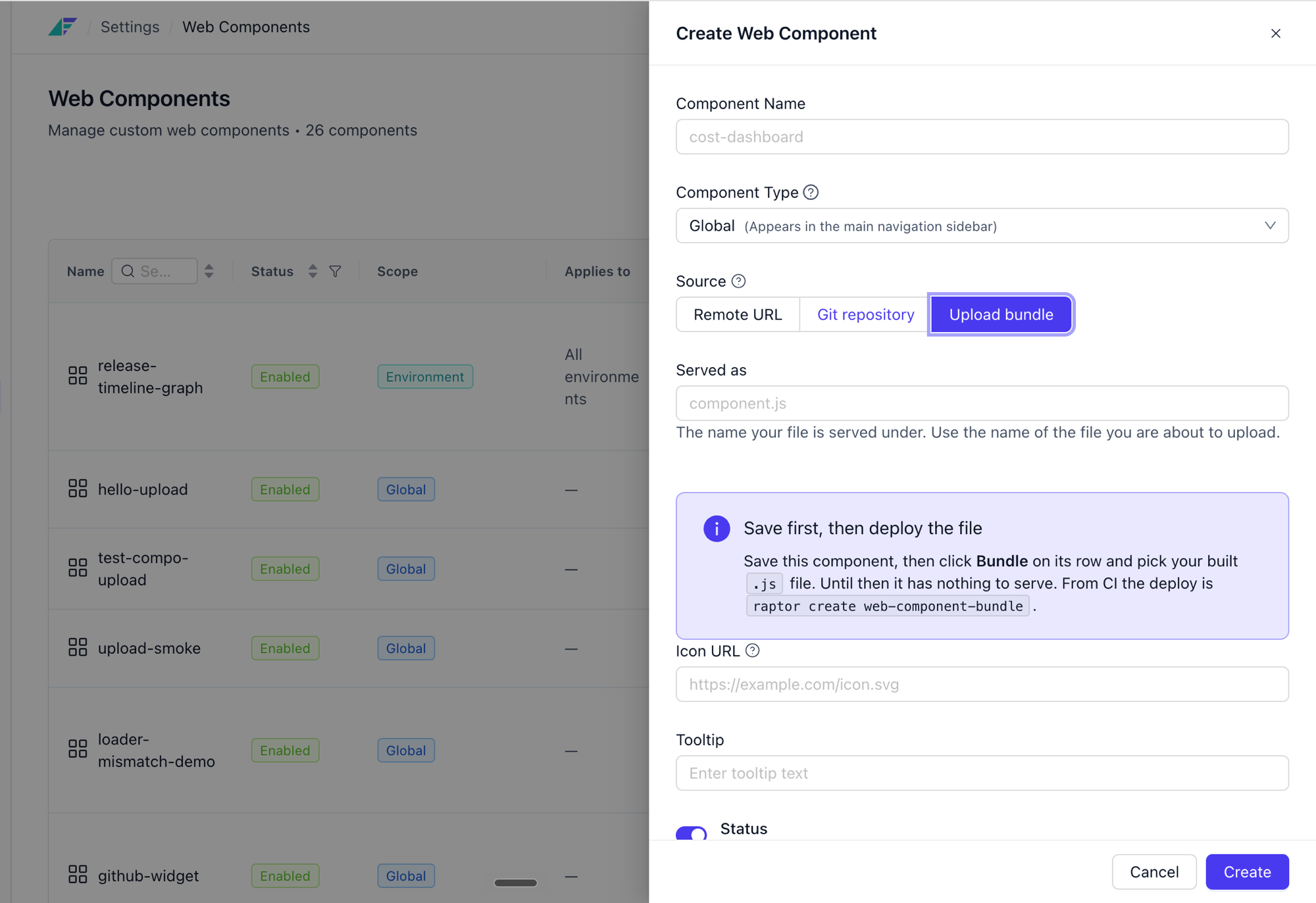
Custom web components can now be created in two ways. Point Facets at a Git repository (repository details, the VCS account to authenticate with, and a branch) and Facets serves the component from that branch as it moves. Or use bundle upload, where your CI builds the component and posts the file to Facets, and Facets serves it directly. Both paths are available from the Settings screen and from the CLI, so a component can follow whichever release process already suits it.
Web Components Scoped to a Project or Environment
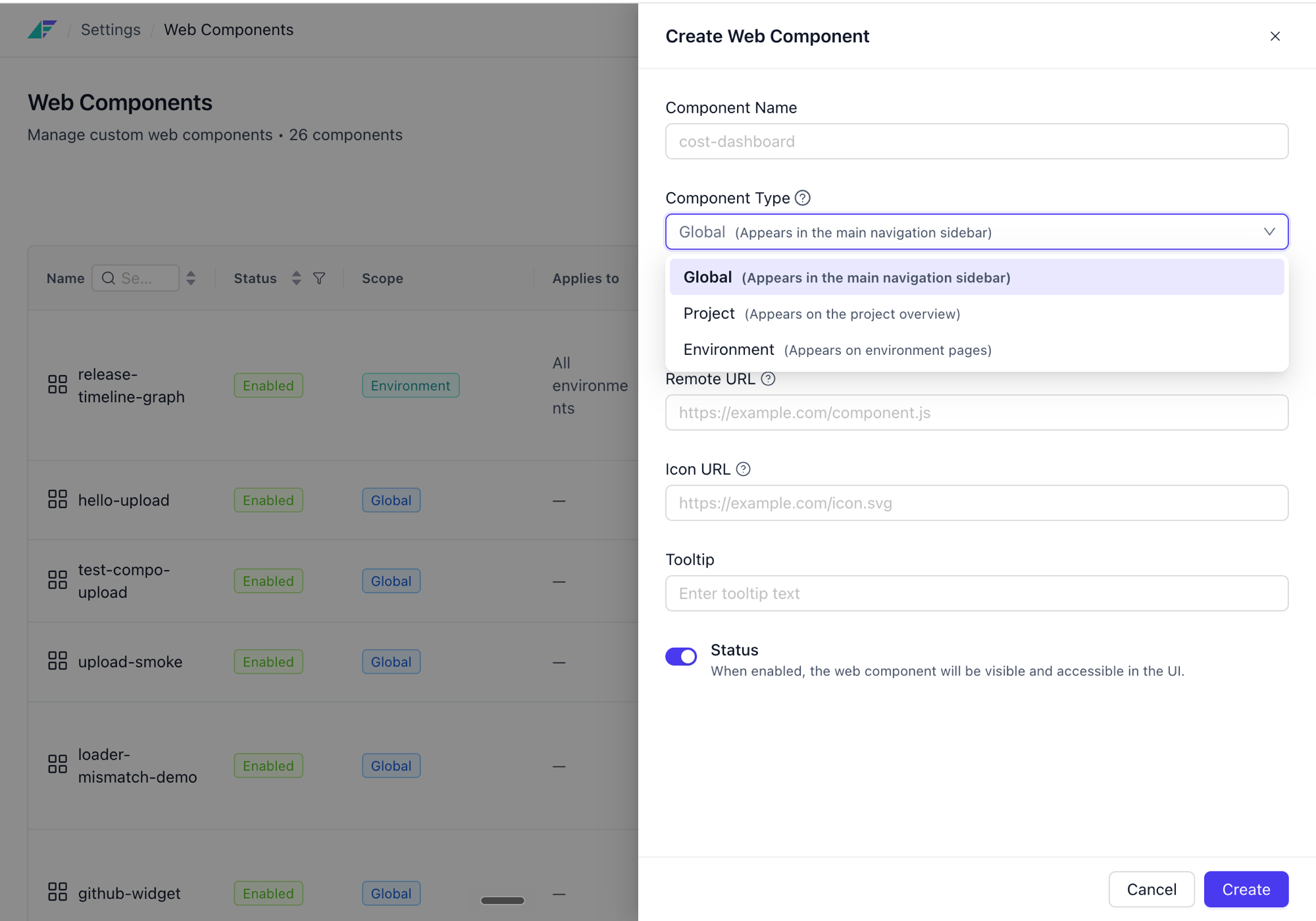
A web component no longer has to be global. A component can now be registered at global, project or environment level, and it renders only in the surfaces you scoped it to. A dashboard that only makes sense for one project, or a control that should appear in production but not in a sandbox, no longer has to be shown everywhere.
A Built-In Service Account for Automation
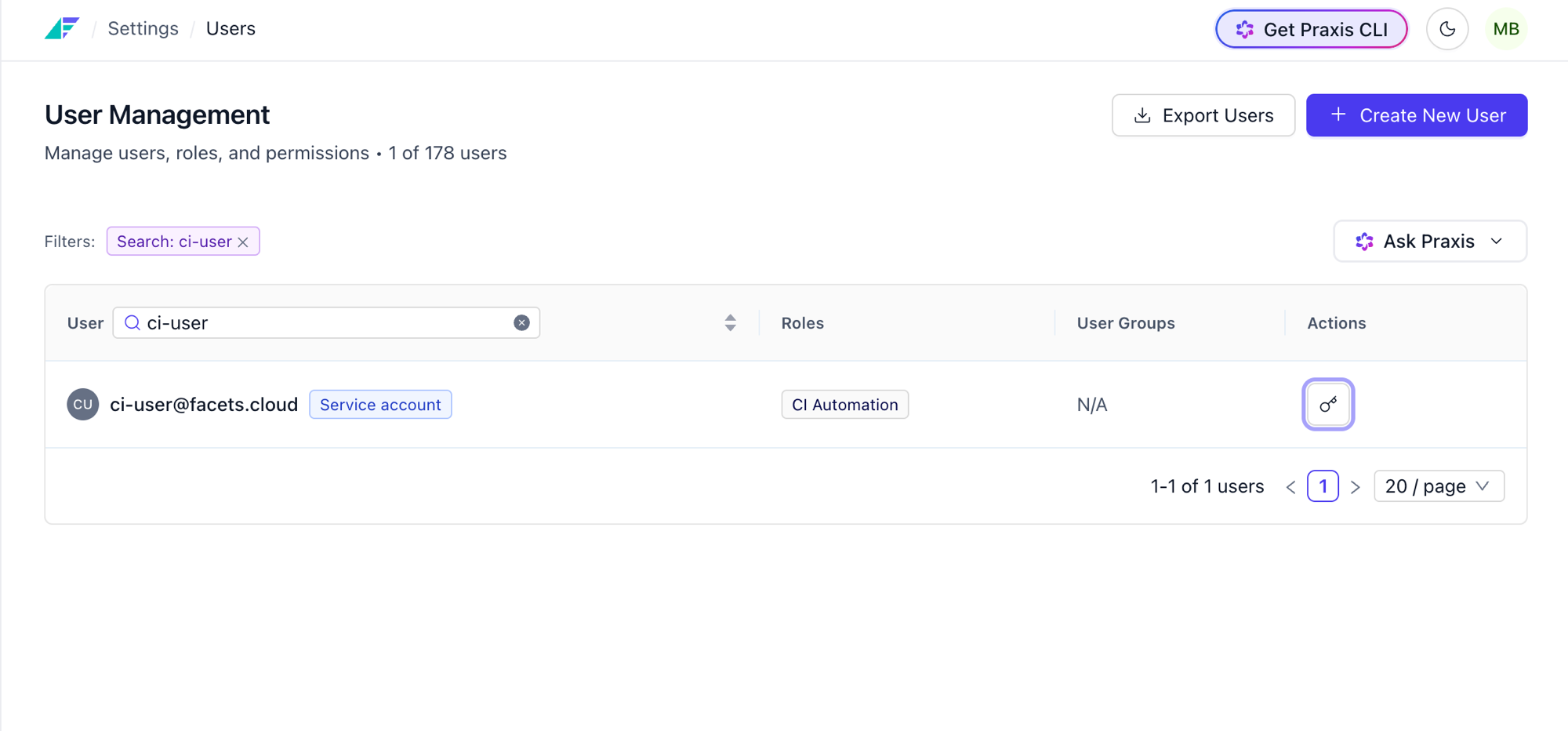
Every control plane now ships with a ci-user@facets.cloud user, present by default and ready to use. It exists to be the common identity your automation acts as: pipelines, CI/CD flows, and anywhere else a command needs to run as an authorised user rather than as a person. Its role is fully editable, so you decide exactly what it is allowed to do.
Praxis automation gets the same treatment through a praxis@facets.cloud account with its own editable role. Tokens for both are issued and managed from one place, so you can rotate the credential your pipelines use without touching a human user or sharing a personal token.
Linked Git Accounts Work Automatically in Praxis
Any GitHub, GitLab or Bitbucket account you have already linked to Facets is now available in Praxis and the Praxis CLI with just a click. Link it once in Facets and Praxis uses it: no separate OAuth app, no re-authorising, no copy of the credential to keep in sync.
Credentials are brokered from the control plane at the moment they are needed. Praxis stores no token and nothing is written to your machine, so a git clone or git push from a Praxis session simply works, with the right credential minted for that operation and discarded afterwards.
📈 Enhancements
- Local Form Preview During Module Development:
raptor preview formrenders a module'sfacets.yamlform locally, so you can see the effect of a schema change immediately instead of registering the module to a control plane and then opening the form to check it. - Warnings for Unfulfilled Override-Only Required Fields: A required field marked
x-ui-overrides-onlythat has not been set for an environment is now surfaced as a warning, so the gap is visible before you release rather than discovered later. - Descriptions Across the Platform: Resources, releases, accounts and other entities now carry an optional description field, shown alongside the name. Useful for recording why something exists rather than inferring it from a name.
- Unused Secret and Variable Filter: Secrets and variables can now be filtered to show only the ones nothing references, making it straightforward to find and clear out entries that are no longer in use.
- Secrets and Variables Inside the Override Editor: While editing an override you can now see which secrets and variables that resource uses, and read their values, without leaving the overrides page for the Secrets & Variables page.