Linking resources
Wire resources in a Facets blueprint so they share values: connect them through the form, or dollar-reference one resource's output in another's JSON.
Linking connects resources so they share values: a service reads its database's credentials, an ingress routes to a service. You link them two ways, connect them through the form, or dollar-reference one resource's output in another's JSON. Both write the same wiring.
Link through the form
Using prompt
Wire the main-db postgres into service/api in myproject.or
Using command
raptor apply resource service/api -p myproject --input db=postgres/main-db

# Drop a wiring
raptor apply resource service/api -p myproject --unset-input db
--input takes INPUT_NAME=TYPE/RESOURCE, and a third segment picks one output when the module exposes more than one. raptor get resource-type-inputs lists the inputs a module declares. To see existing wiring, raptor impact service/api -p myproject --reverse lists what a resource depends on, and without --reverse, what breaks if you change it.
New to the CLI? Install it first.
Postgres into a Service, using environment variables:
-
In the Blueprint tab, select the Service resource you want to connect to the Postgres resource.
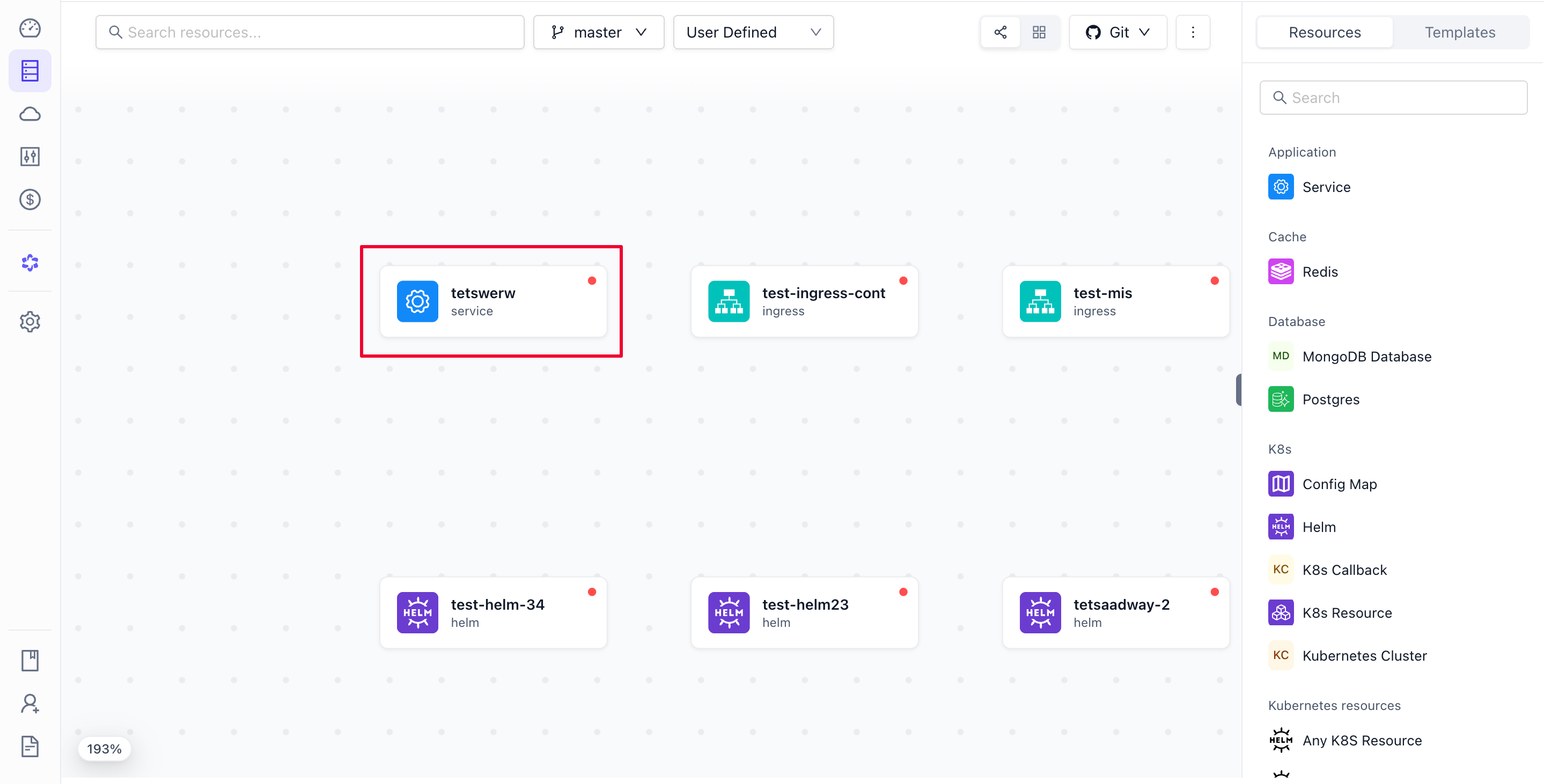
-
Select Connect with other resource in the drop-down.
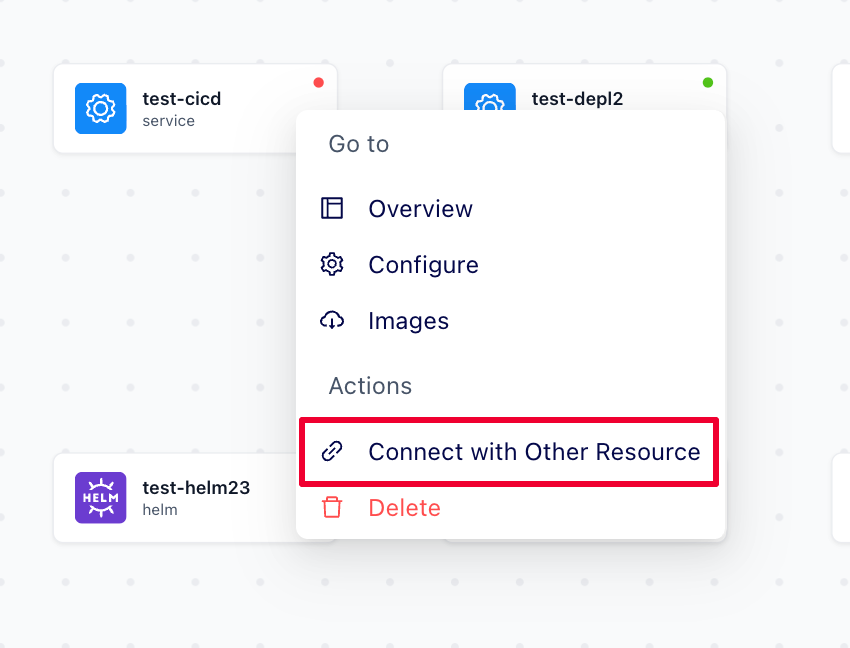
-
Select the Postgres database, enter the Key, and select the Value.
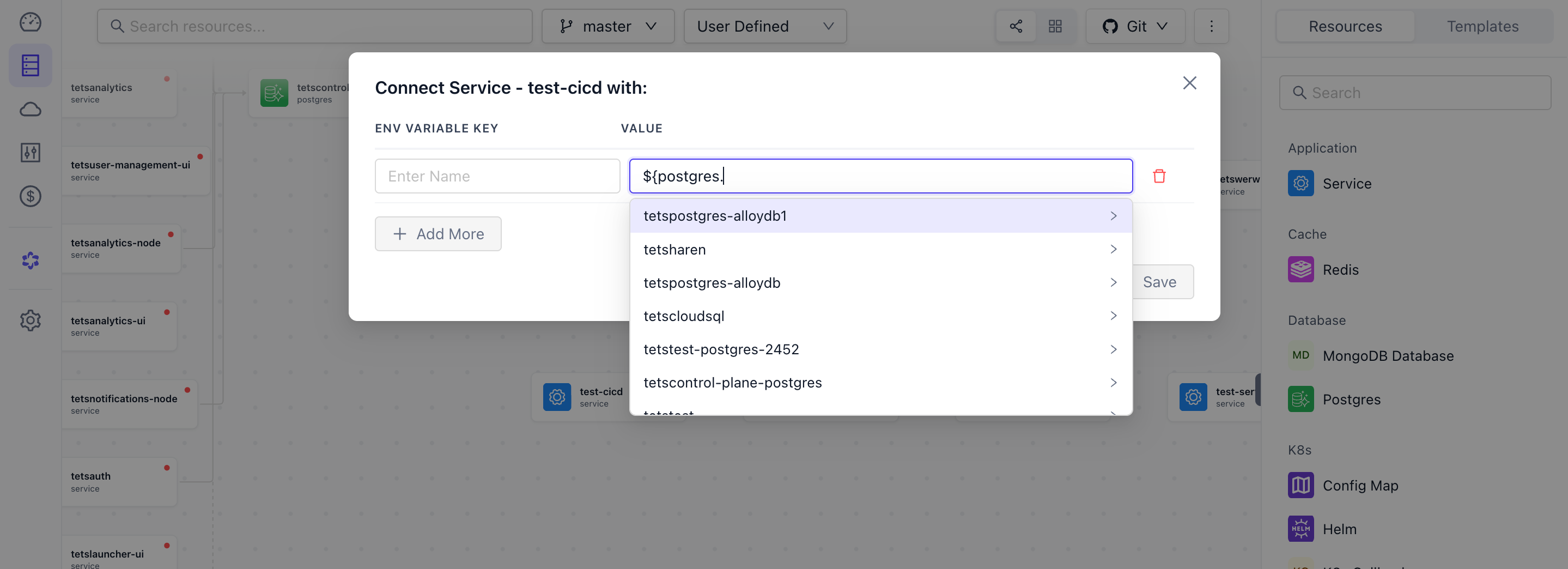
-
Click Save.
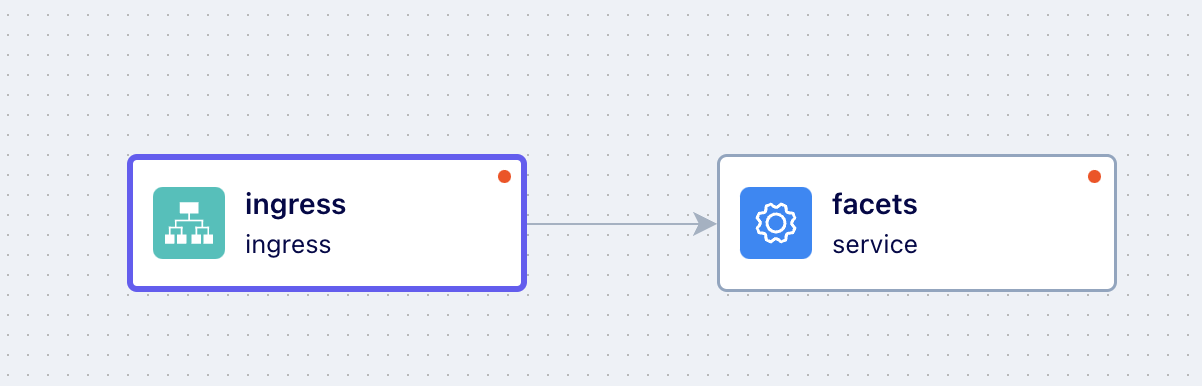
Service into an Ingress, using ingress rules:
-
In the Blueprint tab, select the Ingress resource you want to connect to the Service.
-
Select Configure from the drop-down.
-
Under Ingress Rules, click Add New Entry.
-
Enter the Service Name, Path, and Port.
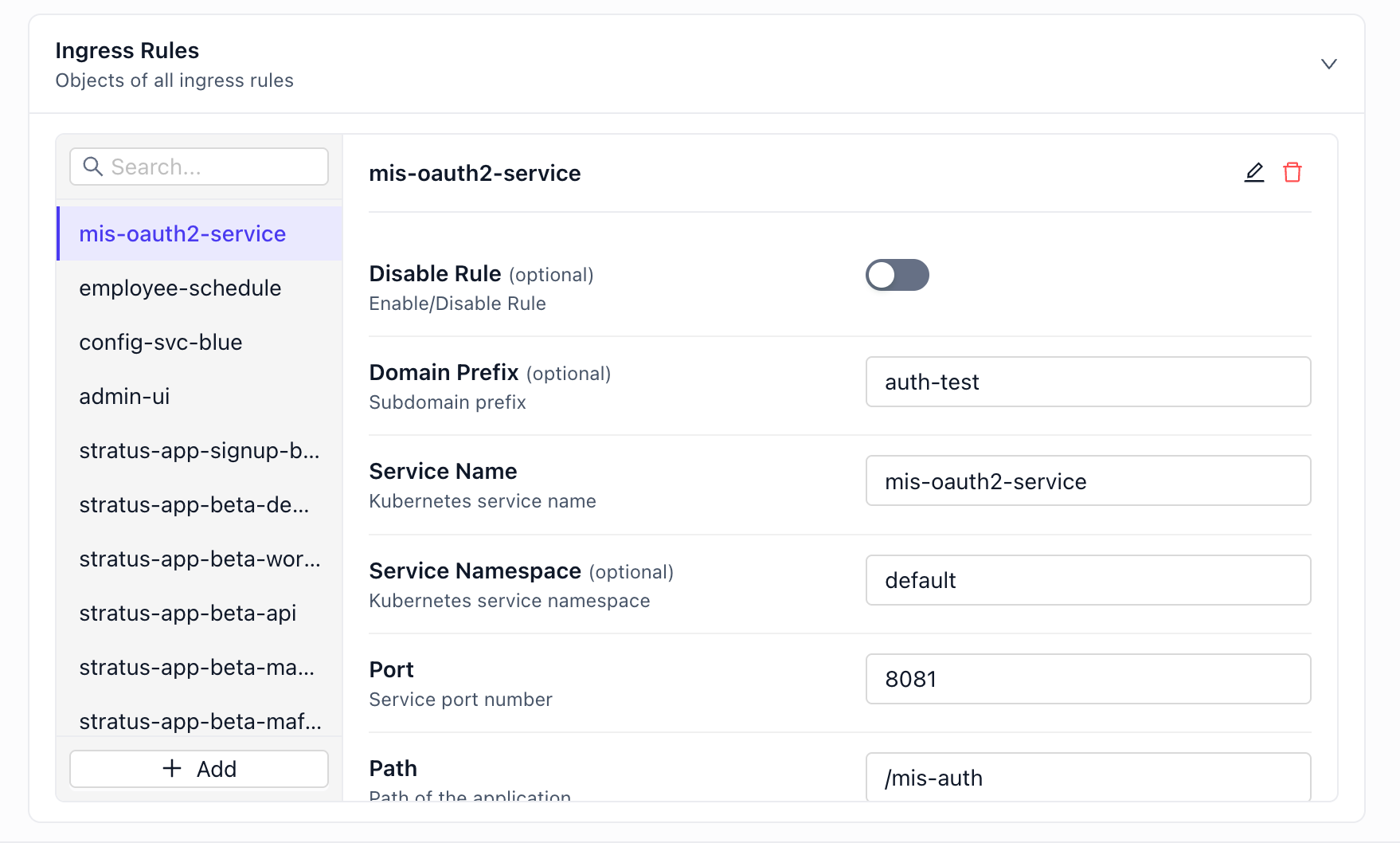
-
Click Save Changes.
Dollar referencing
Reference one resource's output value in another's JSON with ${} notation. The JSON editor autocompletes the available paths, so you pick one rather than guess.
Using prompt
What can I reference from postgres/default-db in myproject?or
Using command
# Every valid ${} path in the project, with the type each returns
raptor describe expressions -p myproject

# Narrowed to one resource, or one kind
raptor describe expressions -p myproject postgres/default-db
raptor describe expressions -p myproject --kind postgres
This is the terminal equivalent of the editor's autocomplete. Blueprint variables and secrets are in the list too, and --include TYPE/FLAVOR/VERSION:NAME adds a resource you have not created yet. Once you know the path, write it in with raptor apply resource ... --set-string, since a ${} reference is a literal string that must not be type-inferred.
New to the CLI? Install it first.
- Open the resource's Configurations tab and switch to JSON mode.
- Type the reference where you need the value; autocomplete suggests the available paths as you go. You can also copy a reference from the Reference Resource section of the Configurations tab.
- Save the changes.
Note: dollar references resolve only after the environment is launched.
Syntax: ${<resource_type>.<resource_name>.out.<attributes>}, for example ${postgres.default-db.out.interfaces.writer.host}.
For example, to give a Service the connection details of a default-db Postgres, set these under spec.env in the Service's JSON:
"POSTGRES_URL": "jdbc:postgresql://${postgres.default-db.out.interfaces.writer.host}/postgres",
"POSTGRES_USER": "${postgres.default-db.out.interfaces.writer.username}",
"POSTGRES_PASS": "${postgres.default-db.out.interfaces.writer.password}"
FAQ
What if a dollar reference is wrong?
Incorrect references cause misconfigurations. Confirm a path with the editor's autocomplete or raptor describe expressions -p <project> before using it, and check the Validations panel in the Releases tab, which flags bad references.
Can I define custom references?
No. References are predefined by the blueprint's structure.
Types of Resources
Compare the three Facets resource types: normal resources deployed per environment, inherited resources shared across environments, and provided externals.
Templates for Blueprint
Use Facets templates to add pre-configured groups of resources to a blueprint in one action, from built-in patterns or custom Git-backed templates you create.