Resource Variables
Define resource-specific variables at the blueprint level as defaults, then override them per environment with a clear hierarchy of inherited and custom values.
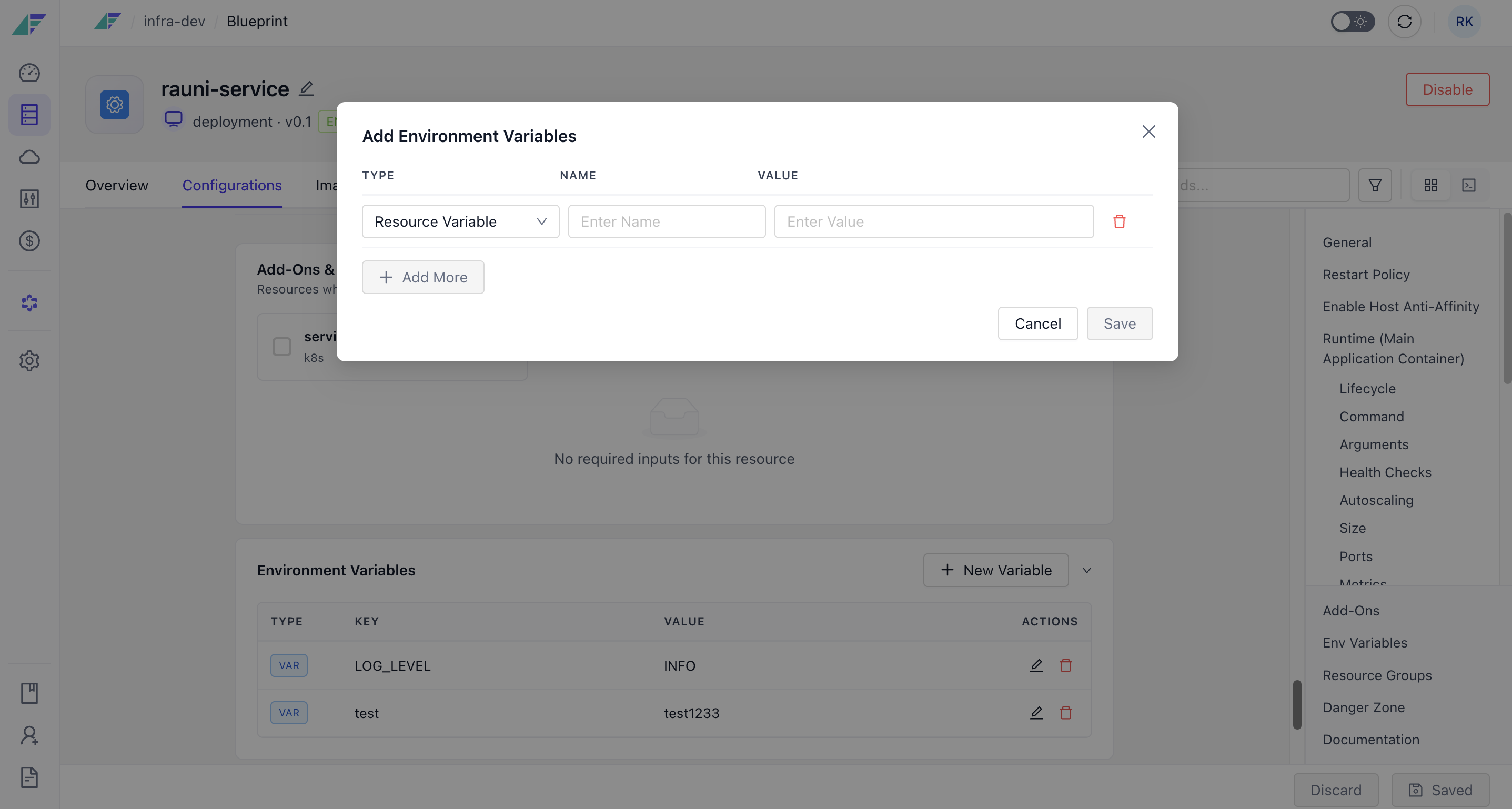
A resource can define its own variables at the blueprint level. Those blueprint values are the defaults, and you override them per environment, so it stays clear which values are inherited and which are customised for a specific environment.
Example
A user-service defines its defaults in the blueprint:
user-service:
  variables:
    SLD_INIT_USER_EMAIL: "support@company.com"
    API_RATE_LIMIT: "1000"
    FEATURE_FLAGS_ENABLED: "true"
    DEFAULT_USER_ROLE: "basic"
Production overrides a few of them:
production:
  user-service:
    variables:
      SLD_INIT_USER_EMAIL: "enterprise-support@company.com"
      API_RATE_LIMIT: "5000"
      DEFAULT_USER_ROLE: "enterprise"
Anything not overridden falls back to the blueprint default.
Environment-Level Management
View and manage secrets and variables across all environments from one interface, comparing values and spotting default versus custom overrides at a glance.
Secrets Backend Integration
Store secrets in AWS Secrets Manager, Google Cloud Secret Manager, Vault-compatible OpenBao, or a database-backed store, with the backend set by your environment's cluster config.