


Sometimes the only way forward is to go back!
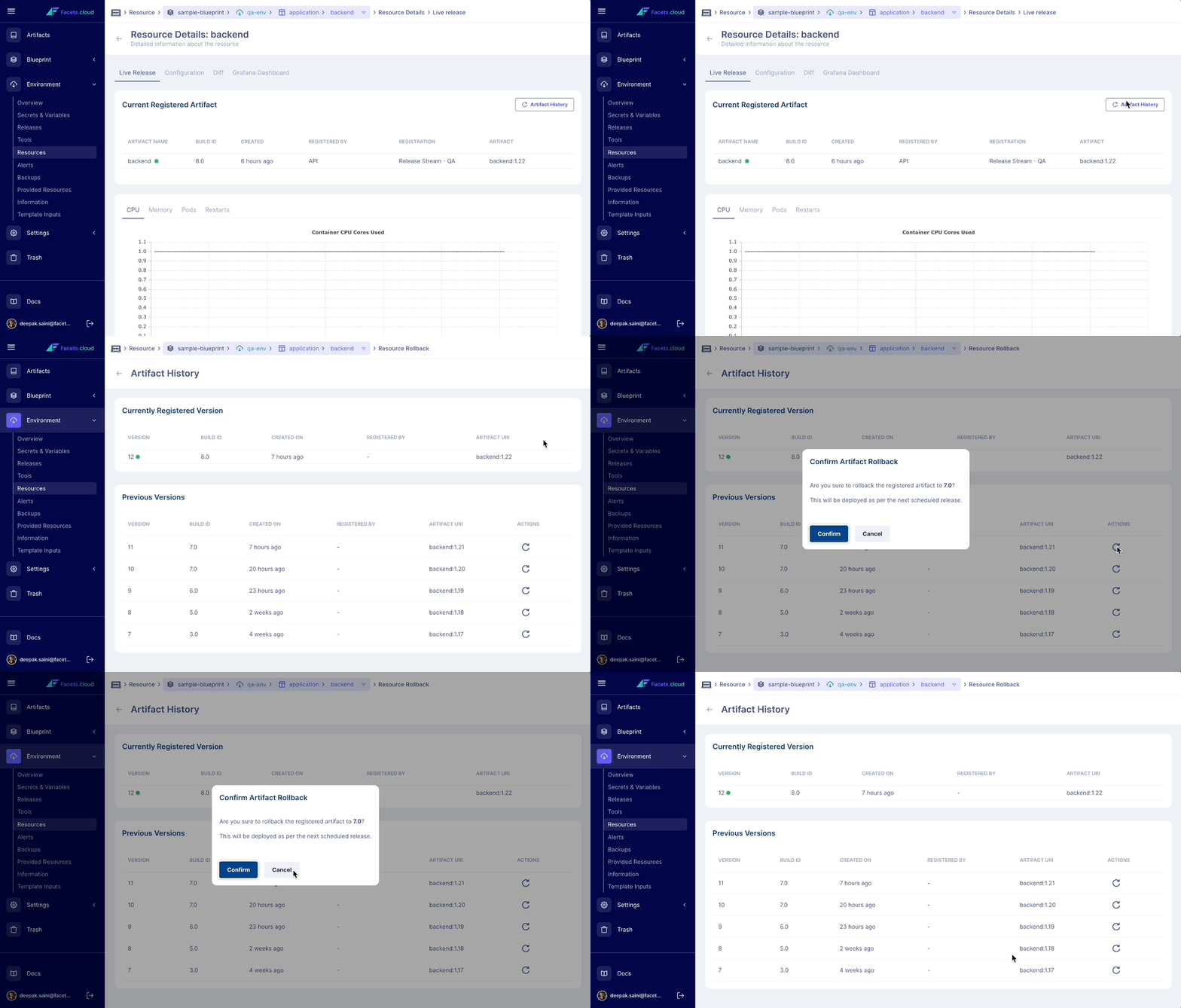
In this age of rapid developer cycles, you need to be able to roll back to the last known good version of your build with ease. With Facets you can see the current registered Artifact and view its last 5 versions. The Artifact rollback feature lets you select which artifact you want to rollback to with a single click.
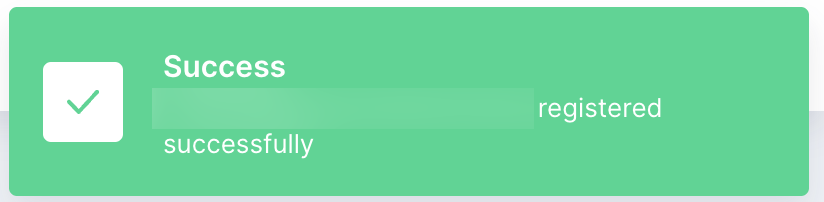
Once the Rollback is successful you get a message indicating the updated version.
On the next release of the environment, the updated Artifact version will be released.
Advanced Release Management with Facets
Releases can be automated or manual. Facets.cloud is built with a belief that all kinds of Releases should be managed through a single mechanism. Check out how you can manage Releases with us.